
AI Plagiarism Checker
Check your content for plagiarism with GPTINF's Plagiarism Checker, available on Starter and Pro. Find duplicate content and review matching source links.
Paste your text and click "Check for Plagiarism" to see results
How It Works
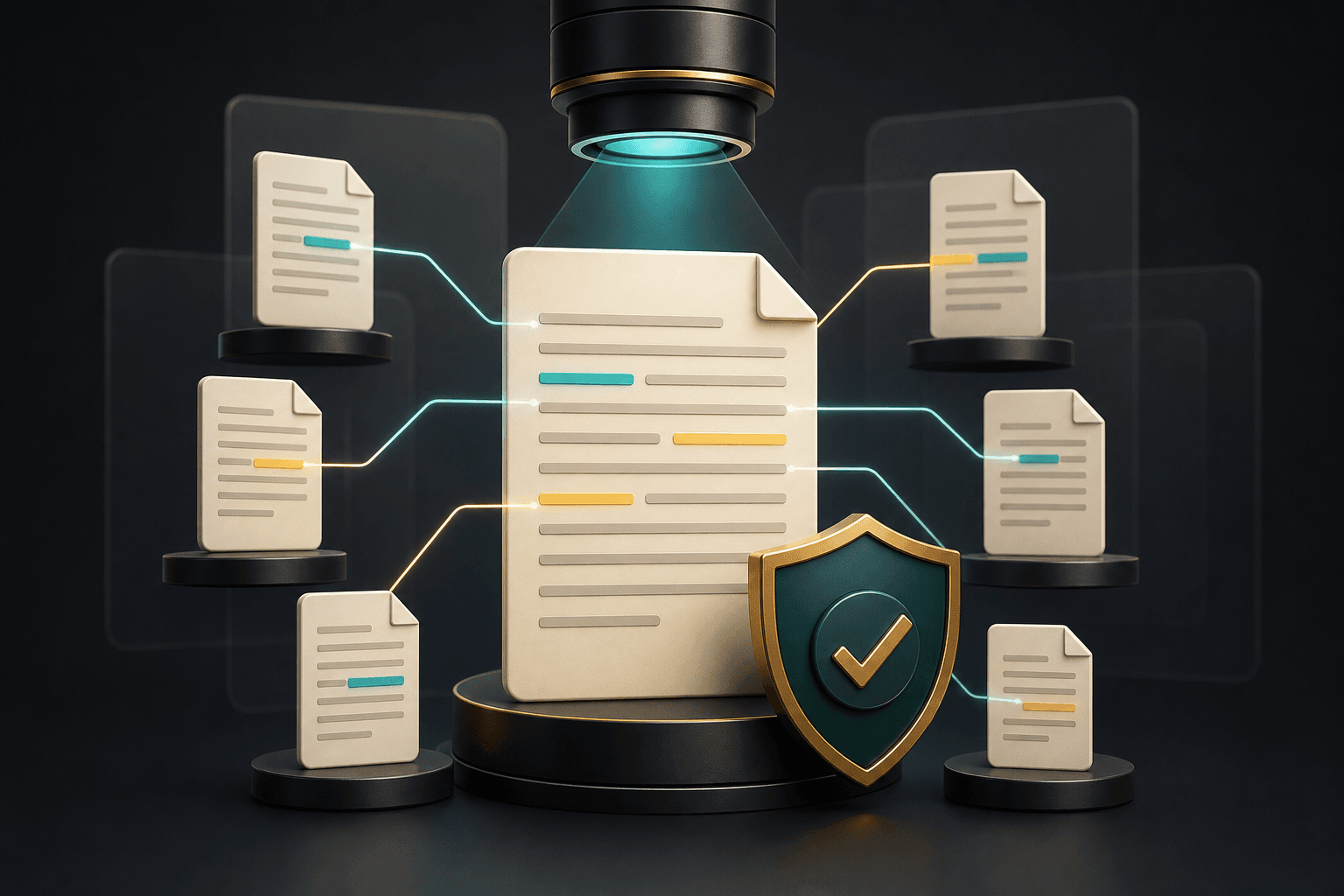
Your text is checked for duplicate web content. Results show a clear status and any source links returned by the provider.
A match is a prompt to inspect the source, quotation marks, citations, and context around similar wording. It does not decide intent on its own; use it to correct attribution, distinguish common phrases, and protect the originality of your final work.
How the GPTINF Plagiarism Checker verifies originality
GPTINF's Plagiarism Checker compares your text against a database of over 70 billion active web pages and more than 150 million academic journals and papers, then returns an originality percentage along with any matching phrases it finds. Paste or upload your content, run a scan, and you'll see a clear breakdown of matches found, the percentage each match represents, and a direct link to the source so you can inspect the context yourself.
A match does not automatically mean something is wrong. Common phrases, properly quoted material, and correctly cited sources will sometimes surface as matches, which is exactly why the tool shows you the source link instead of just a raw score. Use a flagged match as a prompt to check whether the wording needs quotation marks, a citation, or a rewrite to make it clearly your own — the goal is protecting the originality of your final work, not chasing a perfect percentage at the expense of accurate attribution.
Plagiarism checking answers a different question than AI detection: it looks for text that matches existing published sources, while an AI detector estimates whether wording resembles machine-generated patterns. For research papers, essays, and published articles, it is worth running both the Plagiarism Checker and the AI Detector before submission, then using the Paraphrasing Tool or Grammar Checker to clean up any sections you decide to rewrite.
Questions and answers
Plagiarism Checker FAQs
Keep writing
Explore more free GPTINF tools
Pair this tool with the rest of GPTINF's free AI writing suite to draft, check, and polish your work end to end.
Writing Style Studio & Persona Sandbox
Choose a persona, then tune rewrite intensity and reading level for the context you are writing in.