Gratis AI Omskrivingsverktøy
Omskriv og reformuler enhver tekst med GPTINFs gratis AI omskrivingsverktøy. Flere toner og stiler — få perfekt omskrevet innhold umiddelbart.
Omskrevet utdata vil vises her
Ditt omskrevne utkast vil vises her med kopiklar formatering.
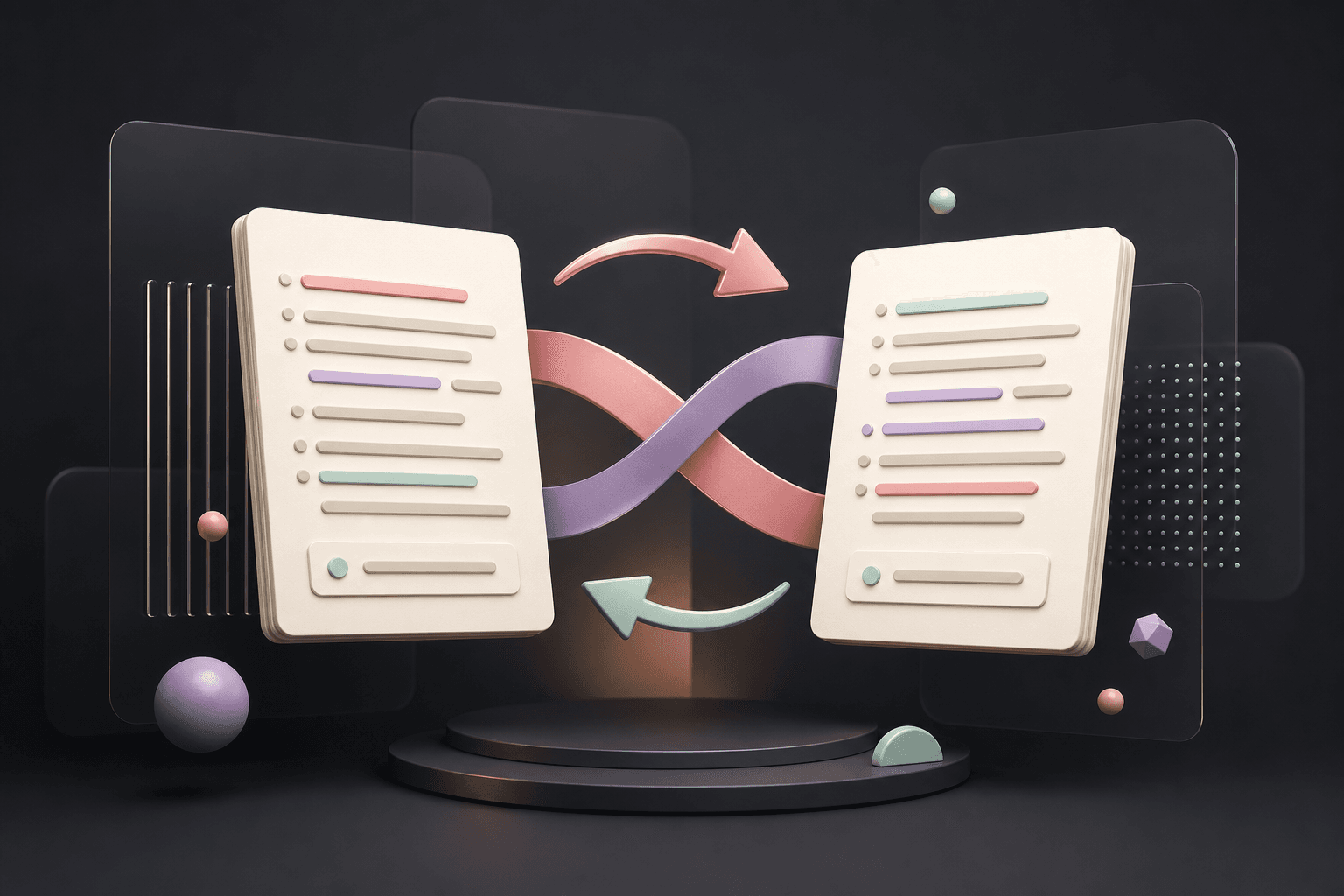
Omskrevet utdata
Ditt omskrevne utkast vil vises her med kopiklar formatering.
Start med tekst du forstår og kan verifisere, velg tonen som passer målgruppen, og sammenlign omskrivingen med originalen. Hold sitater, fakta, kildehenvisninger og fagtermer korrekte, og rediger resultatet til det sier nøyaktig det du mener.
How the GPTINF Paraphrasing Tool rewrites your text
GPTINF's Paraphrasing Tool rewrites sentences and full paragraphs while keeping the original meaning intact, letting you choose from five tone modes — Standard, Academic, Fluency, Formal, and Creative — depending on where the text will be used. Paste or upload your original text, pick a tone, and generate a rewritten version with copy-ready formatting you can drop straight into an essay, email, or article.
Paraphrasing is useful in more situations than simply avoiding repeated wording. Academic Mode helps tighten casual phrasing into a more formal register for papers and reports. Fluency Mode smooths out awkward or non-native phrasing so ideas read more naturally. Creative Mode opens up more varied vocabulary and sentence structure for blog posts or marketing copy, while Formal Mode keeps business and professional writing precise and polished. Because the tool works at both the sentence and word level, you can also swap individual words in the output if you want to fine-tune a single choice without regenerating the whole paragraph.
As with any rewriting tool, always compare the paraphrased output against your original text to confirm that facts, figures, technical terms, and citations remain accurate — a paraphraser changes wording, not meaning, but it is your responsibility to verify nothing important was lost. Pair it with the Grammar Checker to catch any mechanical slips introduced during rewriting, and the AI Detector if you want to check how the finished text reads before you submit or publish it.
Questions and answers
Omskrivingsverktøy FAQs
Keep writing
Explore more free GPTINF tools
Pair this tool with the rest of GPTINF's free AI writing suite to draft, check, and polish your work end to end.
Skrive Stil Studio & Persona Sandkasse
Finjuster ditt målordforråd, setningsrytme og stilprofiler for å matche din spesifikke skrivekontekst.